

You can cancel a running workflow both programatically and from your Upstash Workflow console.
Cancelling via console#
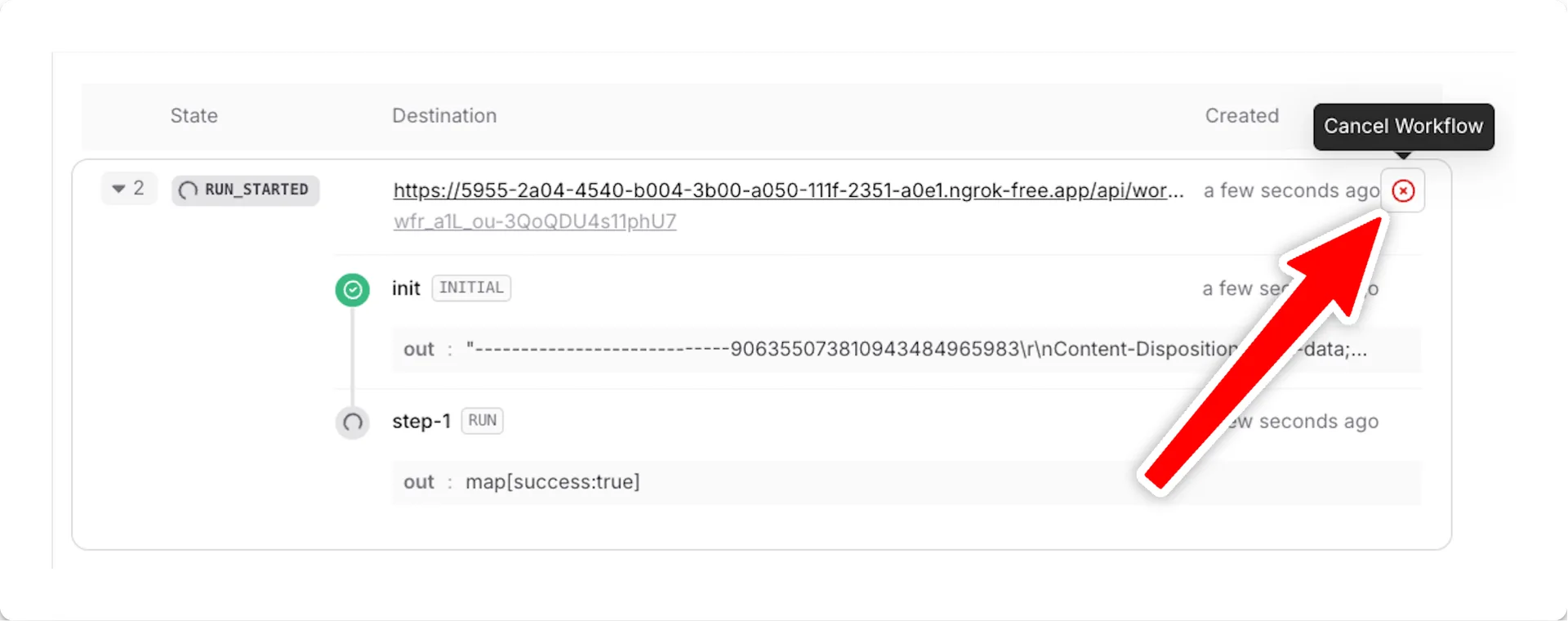
In your Upstash Workflow console, find the run you'd like to cancel and press the Cancel Workflow button on the right side:
Cancelling in bulk#
To cancel many runs at once, filter the Logs tab down to the runs you want
and pick Cancel from the Bulk actions menu. QStash cancels every running
workflow that matches the filters in the background.
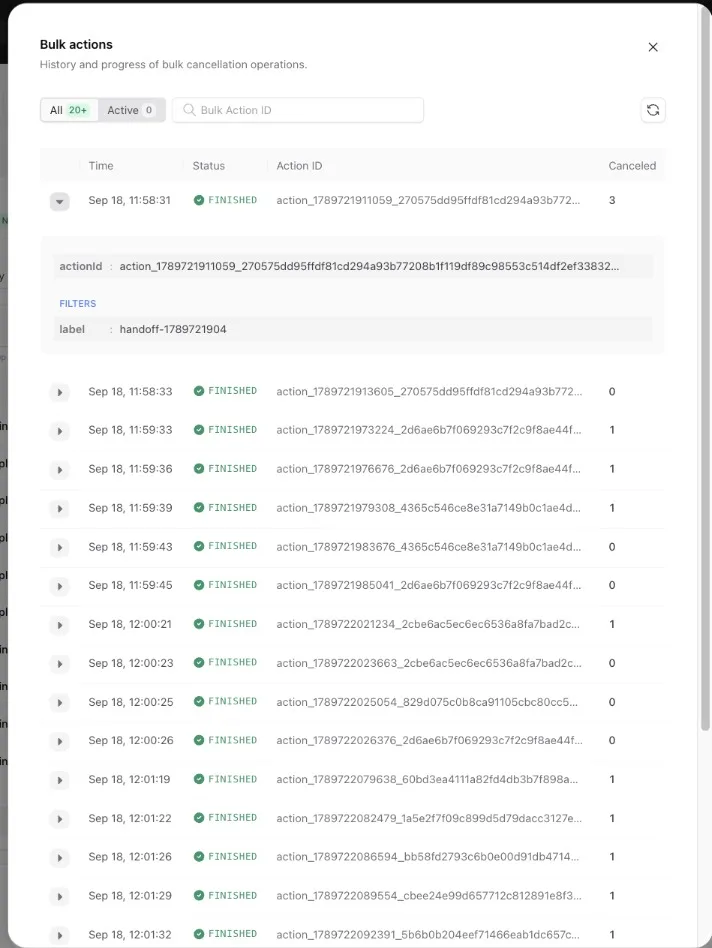
The History button next to the menu lists each bulk cancellation with its
state, the filters used and the number of runs cancelled, so you can follow an
operation while it runs or look it up later by its action ID. The same is
available through the bulk cancel workflow runs
endpoint with "async": true, and the
bulk actions endpoints.
Cancelling programatically#
This feature is not yet available in workflow-py. See our Roadmap for feature parity plans and Changelog for updates.
And replace <WORKFLOW_RUN_ID> with your actual run ID. See the documentation of client.cancel method for more information about other ways of canceling workflows.
You can also use the Upstash Workflow REST API to cancel a run programatically.